
After the user passes the Challenge in the Learning Path, there is an option to leave feedback. To start the survey, the user has to click the “Take a moment to reflect on your learning” button.
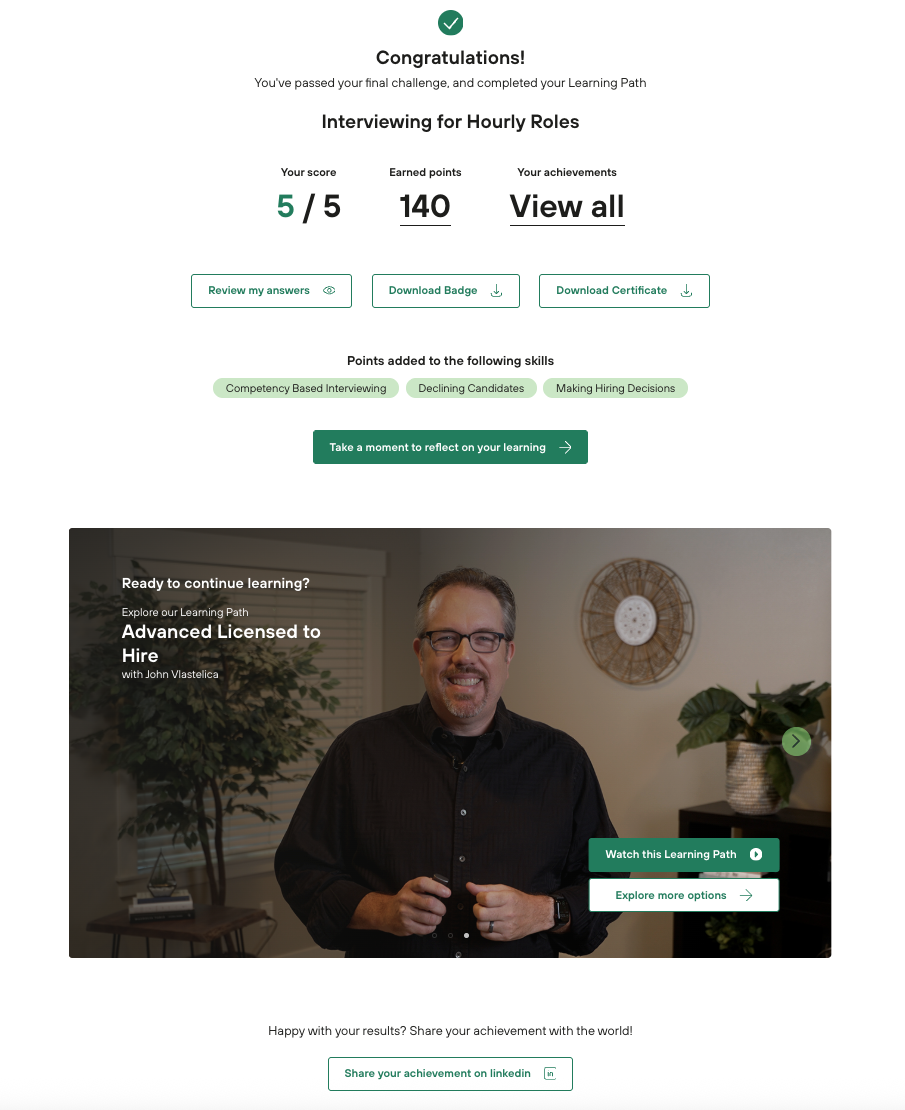
There are two steps in the survey:
-
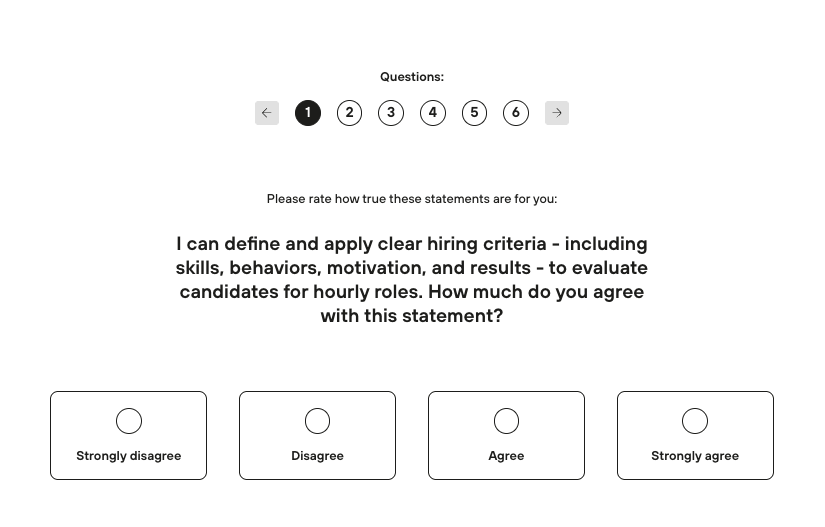
Choose one of the options below (this step is mandatory)
-
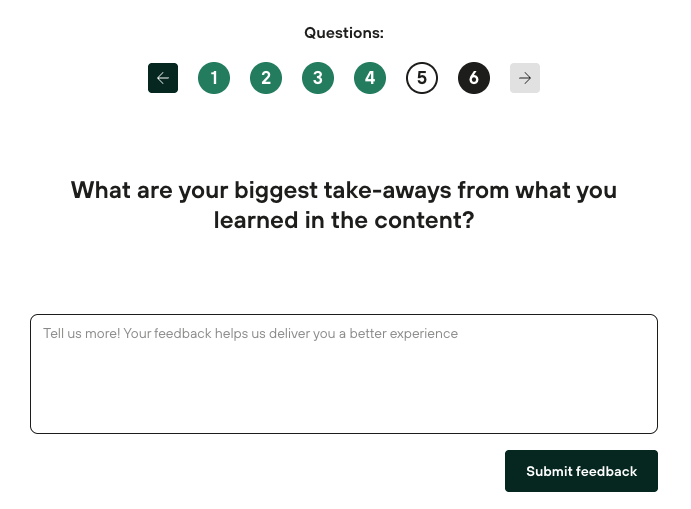
Leave a comment or submit the feedback without a comment (comment is optional)
The report from this survey is available in the Details Reports → Templates → Learning Path Survey Report