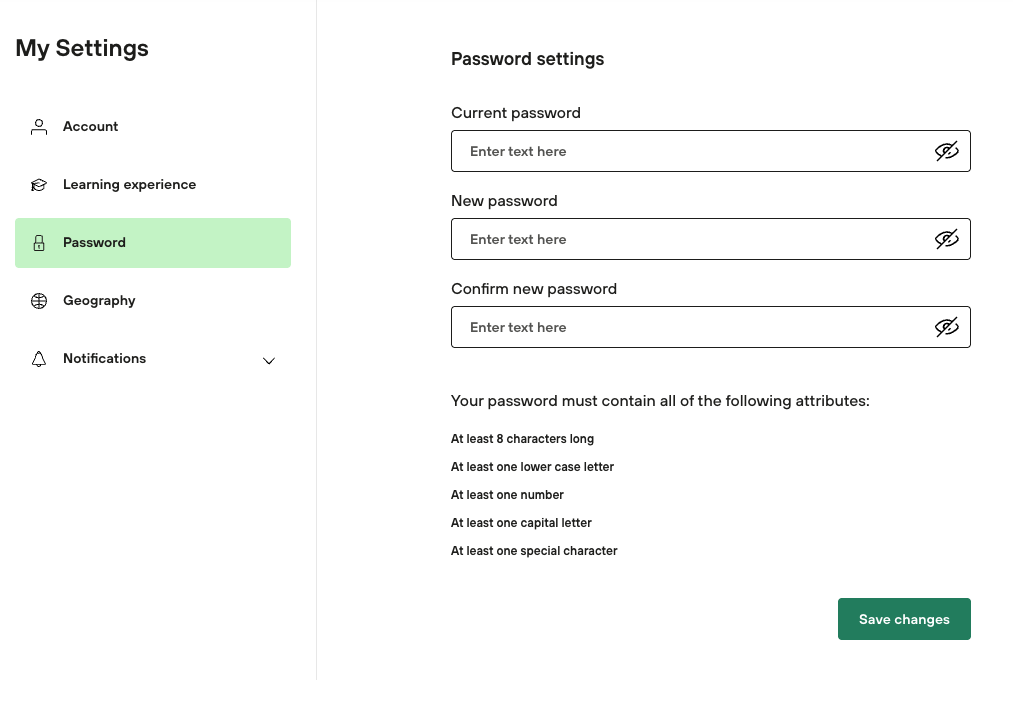
When a user sets or changes their password (on the "Change password" screen), SocialTalent requires specific criteria to ensure a high level of security.
The password must be "tricky and secure."
Required Criteria: The password must be at least 8 characters long AND include 3 of the following 4 attributes:
-
At least one capital letter
-
At least one lowercase letter
-
At least one number
-
At least one symbol (e.g.,
!@#$()%^&*)
To change a password, the user must enter the new password in the "New password" field, repeat it in the "New password (again)" field, and click the Update button.
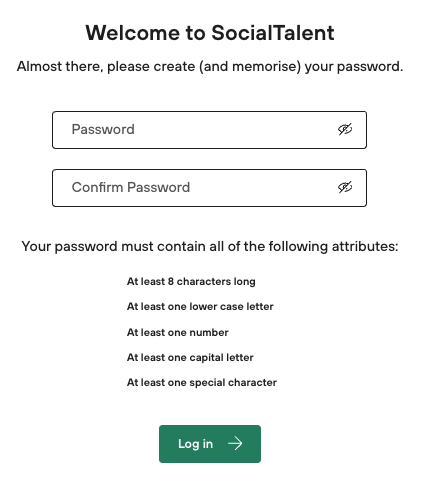
First login:
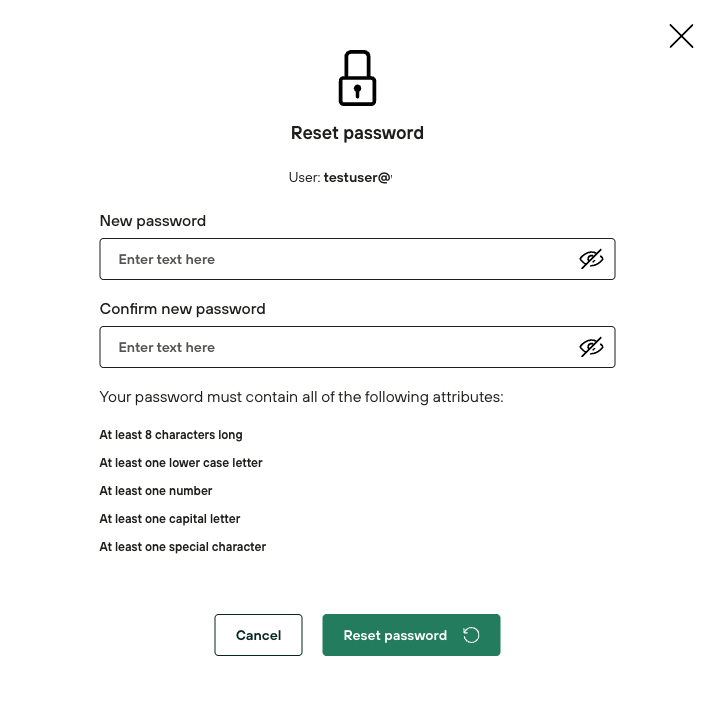
In user management by Admin:
In “My settings” for the user: