
Disconnect Microsoft Teams from your company account
This article explains how to disconnect a Microsoft Teams account from Interview Intelligence at the company level.
Before you start
-
You must have the Admin role and access to Admin Settings.
-
Disconnecting Microsoft Teams will remove access to Microsoft Teams-based interviews for all users
Disconnect a Microsoft Teams account
Follow these steps to remove the Microsoft Teams integration.
-
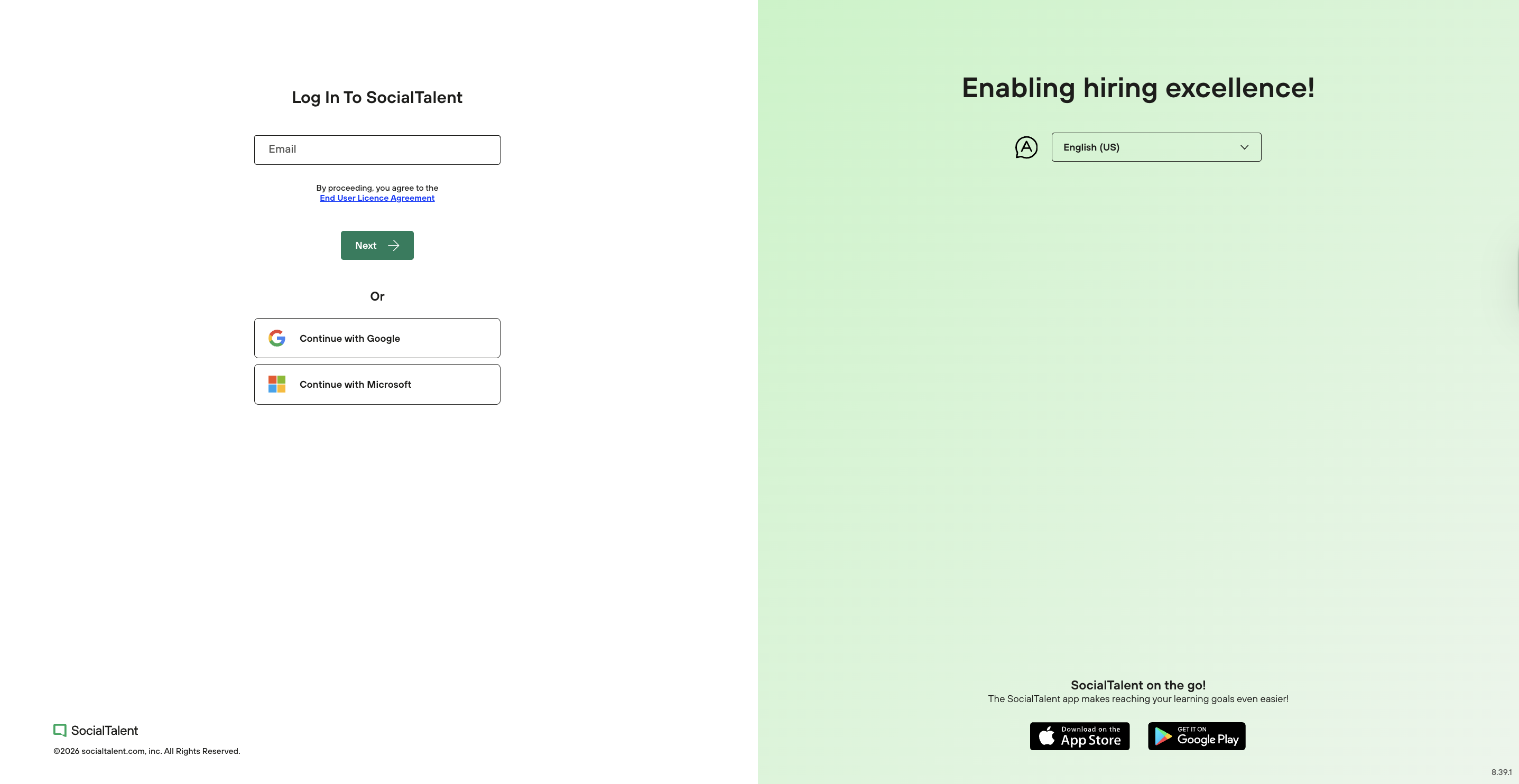
Log in to SocialTalent → https://app.socialtalent.com
-
Open Admin → Organisation → Integrations → Video conferencing
-
In the Microsoft Teams section, click Disconnect
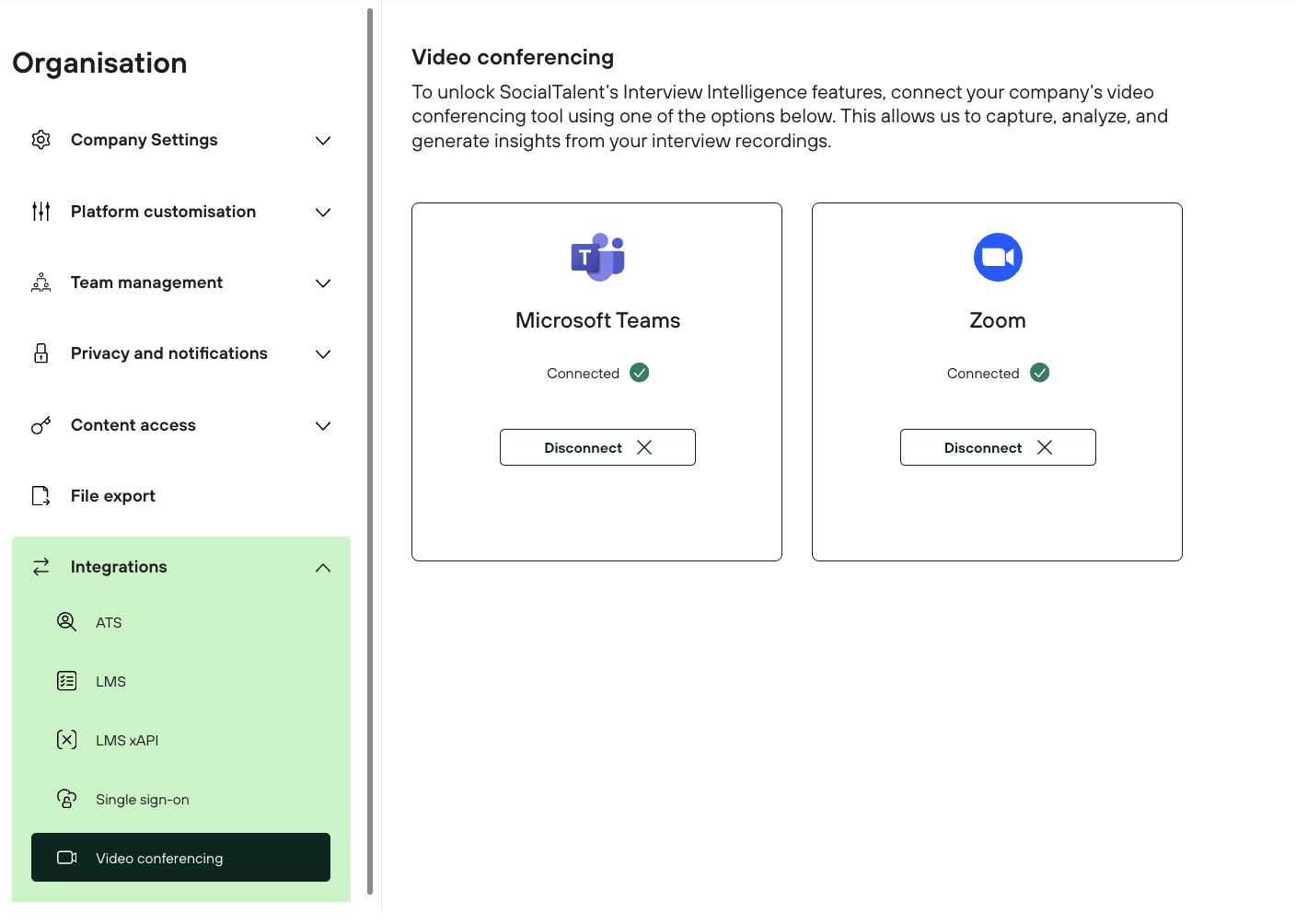
Once complete, the Microsoft Teams account is disconnected.
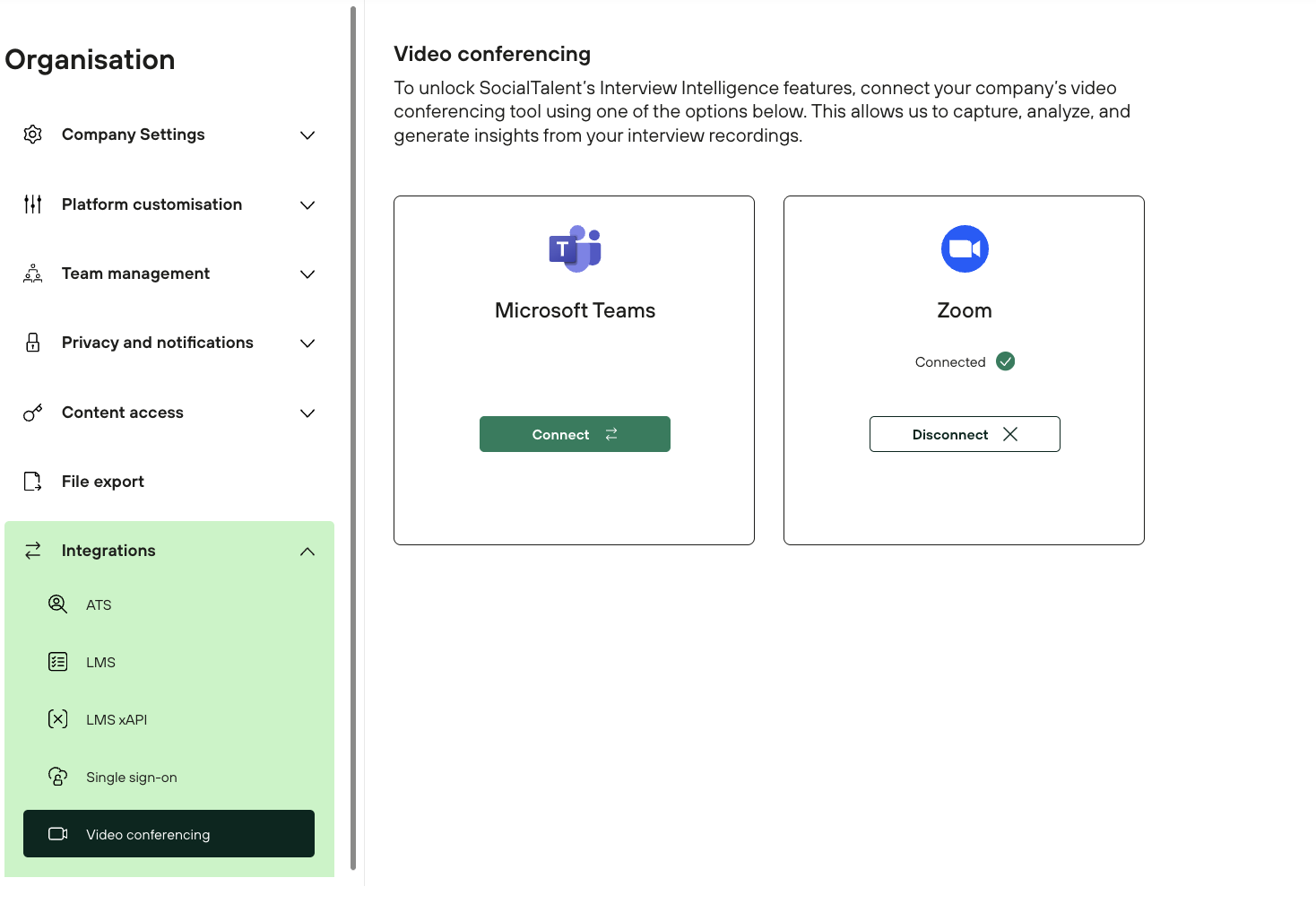
What happens after disconnecting
-
Microsoft Teams is no longer available for interviews
-
Users cannot launch Interview Intelligence in Microsoft Teams meetings
-
Existing interview data and feedback remain unchanged
Reconnect Microsoft Teams
To use Microsoft Teams again, reconnect the integration by following: